The desk, on your computer.
Your whole inventory, and what it brings in: how many people saw your cars, how many tapped “Call”, how many asked for directions.
Demo yard
Quebec salvage yards, online
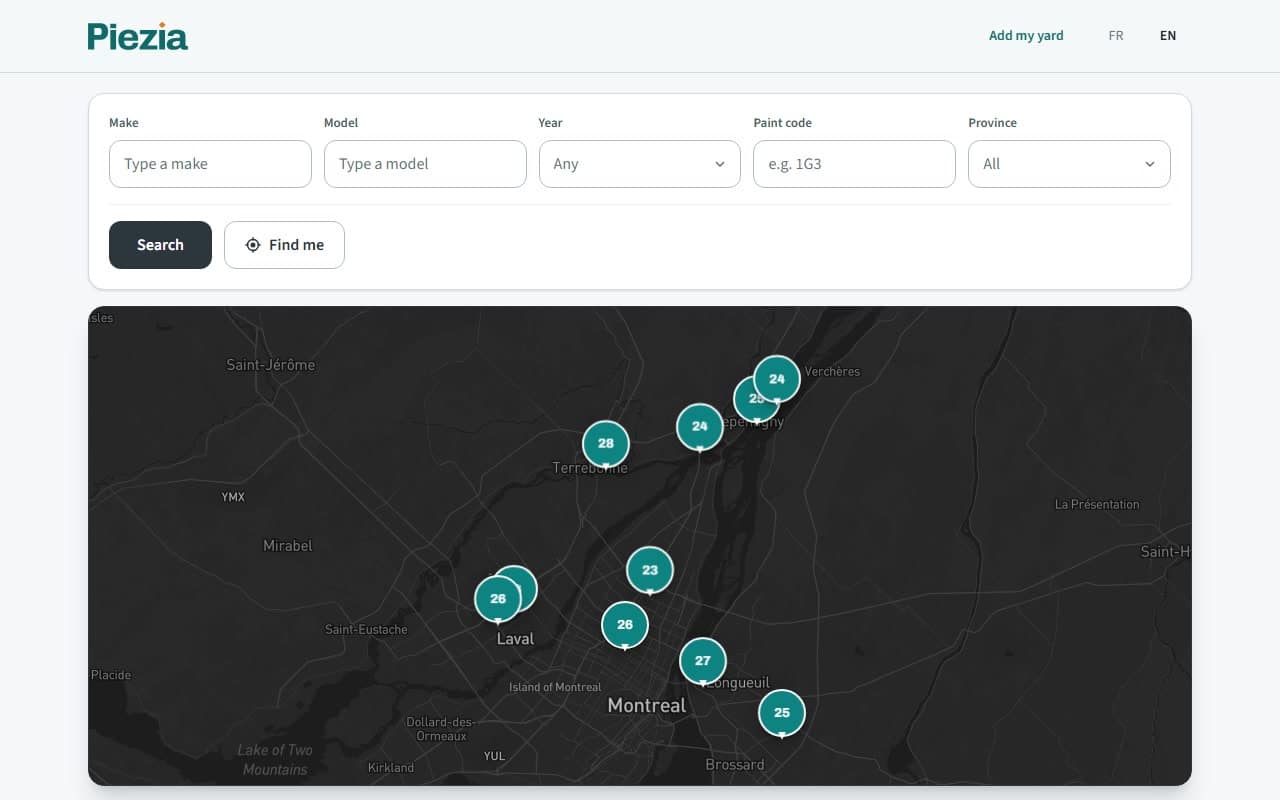
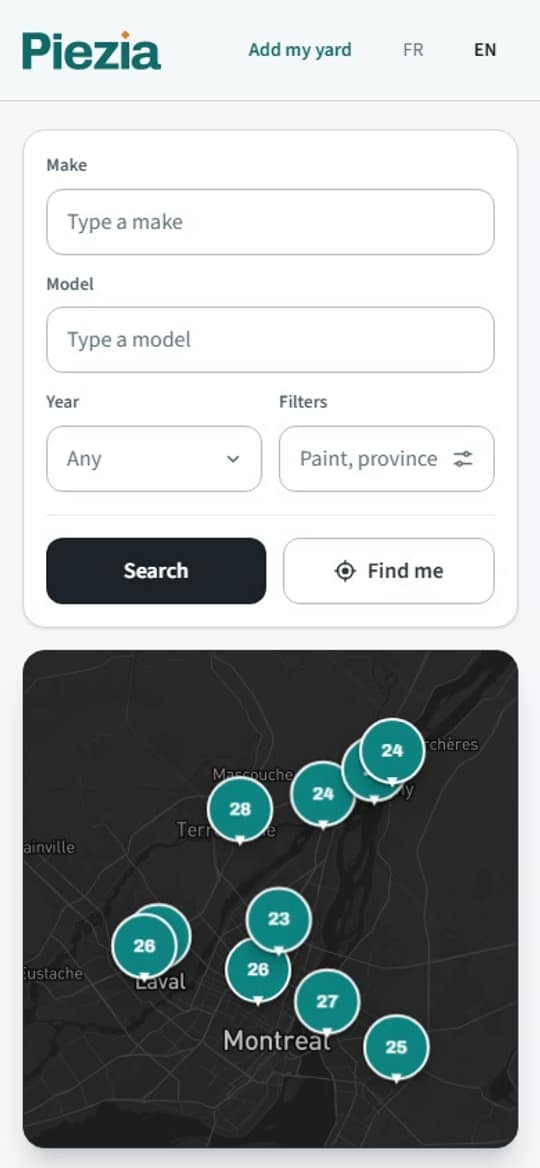
Type your car. Piezia shows you which yard has it, in which row, since when, and how far it is from you. Call, then go grab it.
No account. No sign-up.
If you’re looking
No more Saturday mornings driving to five yards to come home empty-handed.
01
Make, model, year. While you type, Piezia tells you how many are online.

02
Every car shows its yard, its row and how long it’s been sitting there. Tap “Find me” and the nearest yard comes first, with how far it is.

03
The yard’s address and phone number are on the listing. Call to check, grab your tools, and go. Once.


For salvage yards
People are looking for your parts right now. They just can’t see your yard. With Piezia, every car that comes in goes online, photographed with your phone.
Barcode, QR code or printed text: the app reads the VIN and fills in the make, model and year. Snap your five photos, and the car is online.


01
Read by the camera.
02
Taken on the spot, with the phone.
03
Buyers walk straight to the car.
04
People find it, and they call you.
Your whole inventory, and what it brings in: how many people saw your cars, how many tapped “Call”, how many asked for directions.
Demo yardDrafts, online, old ones: you know where every car stands, and which one is headed for the crusher. On your phone or your computer.
Demo yard
The app keeps everything on the phone and sends it as soon as there’s signal.
Open the address, add it to your home screen. iPhone or Android.
piezia.com/app
Everyone gets their own access. They add the cars out in the yard, you stay in charge.

Before your storefront opens, someone calls you to check your yard is real. A buyer who drives forty minutes for nothing never comes back.
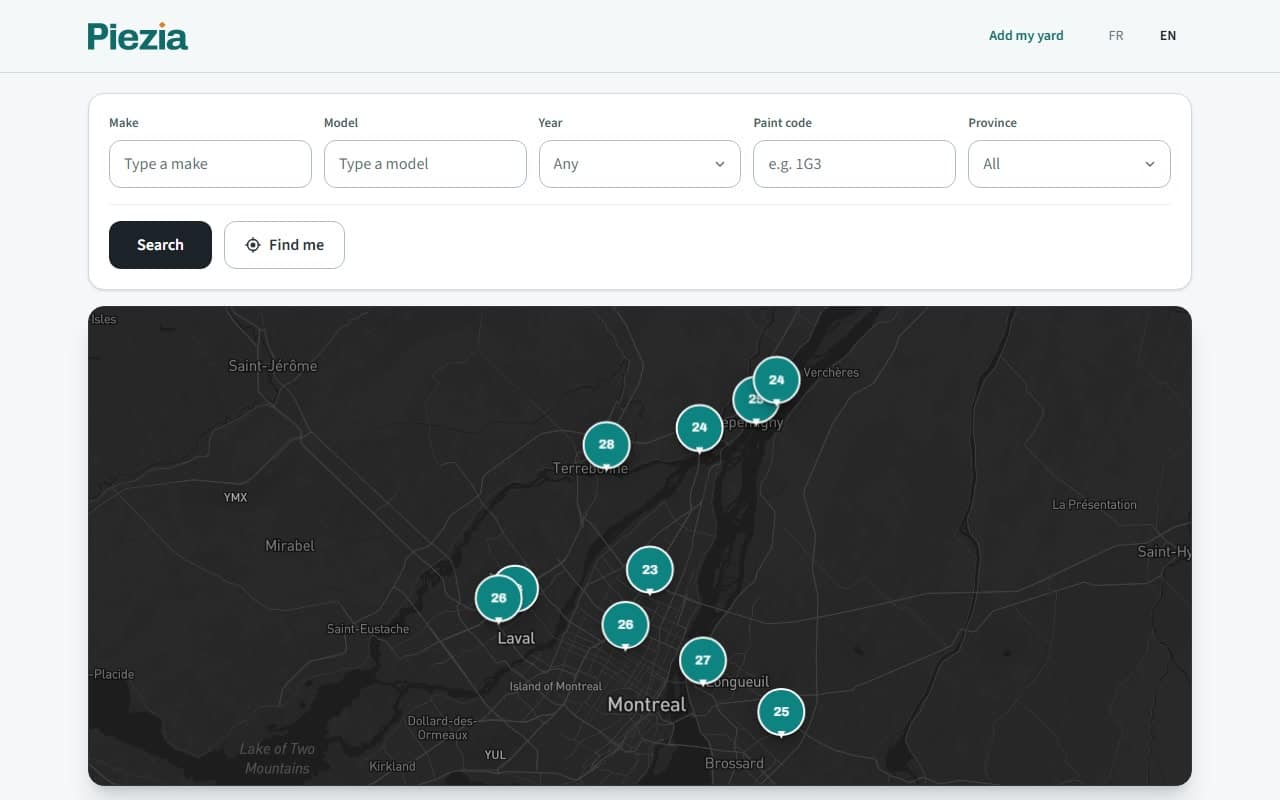
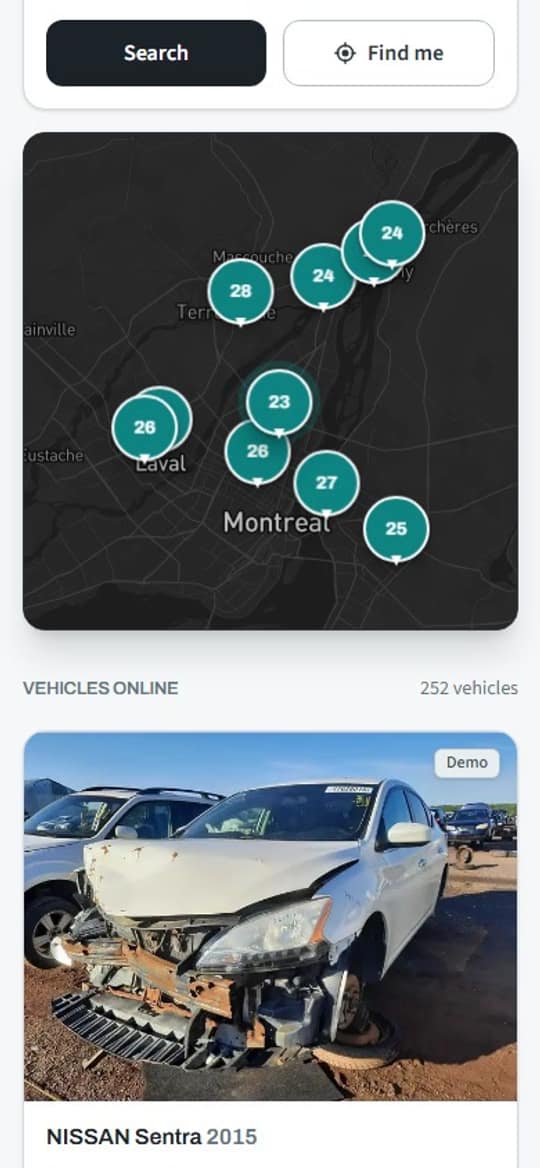
The map
Piezia sorts the yards from nearest to farthest, with no distance limit. The one with your part might be two hours away. At least you know before you leave.
Demo yards
Between us
Bold strategy.
Used parts. At used-part prices.
It doesn’t need a brand-new part. It needs a part that works.
not used up.
And home with nothing? Never again.
Questions
No. Piezia shows the cars waiting in the yards. You buy the part at the yard, at the yard’s price: Piezia shows no prices.
No. Type your make, model and year, and you see the yards that have the car. No sign-up.
Leave your email with your search: Piezia lets you know when a car like yours arrives at a yard.
The day the yard plans to send the car to the crusher. After that, its parts go with it: better call before.
It’s the car’s paint code. With it, you find a door or a bumper in the same colour as yours.
It depends on the yard. Each one says whether you pull the part yourself, they pull it for you, or both.
It creates its account on piezia.com, installs the app on its phone and adds its first cars. Someone calls to check the yard is real, then its storefront opens to the public.
No. The yard’s app opens at piezia.com/app, and you add it to your home screen from the browser, on iPhone and Android.
Write to us, we’ll get back to you.